

Welcome to the IN101 information hub, your resource for learning about the IN101 game, IN101 app, APK, login, download options, and the latest information for 2026.
If you are searching for in101, in 101, in101game, in101 apk, or in101 app, this page brings the essential information together in one place. Explore how the platform works, understand the different access options, and find useful information before downloading or installing anything.
Important: Always verify the source of an application before downloading it. Availability, features, and supported devices can change over time.
What Is IN101?
IN101 is a gaming platform that users may access through supported web or mobile options. People commonly search for it using terms such as IN101 game, IN101 game download, IN101 APK, and IN101 login.
The platform can be relevant to users who prefer accessing gaming services from their smartphones. Depending on the current version and distribution method, access may be available through a website or mobile application.
IN101 at a Glance
| Topic | Information |
|---|---|
| Platform | IN101 |
| Main Focus | Gaming and mobile access |
| Common Searches | IN101 Game, IN101 APK, IN101 App |
| Account Access | IN101 Login |
| Current-Year Search | IN101 2026 |
| Android-Related Searches | APK and Play Store |
IN101 Game
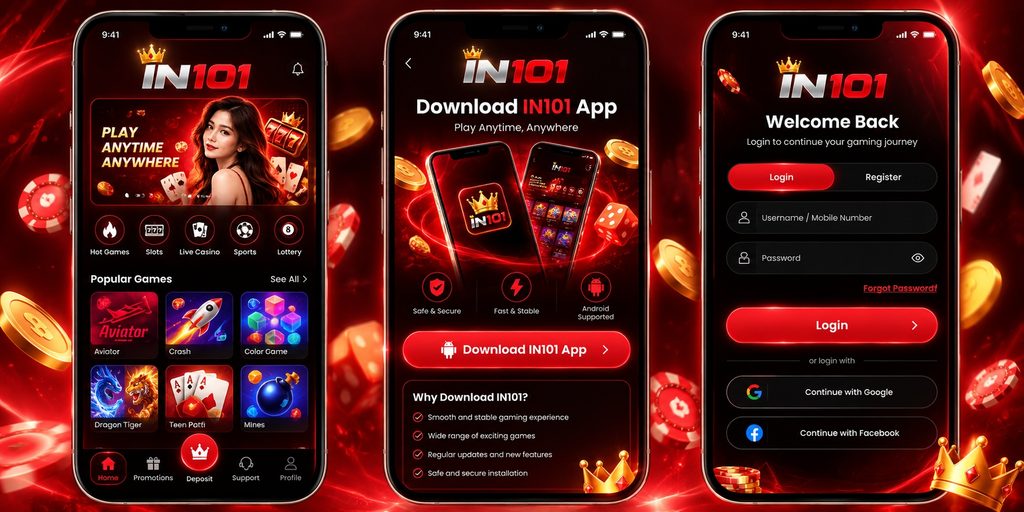
The IN101 game is the main gaming experience associated with the platform. Users searching for in101 game or in101game are generally looking for information about accessing the platform, using its available features, or finding the appropriate application.
Before starting, make sure you understand which version you are accessing and whether it is compatible with your device.
A good starting point is to identify whether you need:
- Browser-based access
- An Android application
- An official APK
- An existing account login
- Information about the latest version
IN101 App
The IN101 app is designed for users who prefer accessing the platform through a mobile device.
Using an application can provide a more convenient mobile experience than repeatedly opening a browser. However, users should always confirm that the application comes from a legitimate source before installing it.
If you find several applications using similar names, don’t assume they are connected to the actual IN101 platform. Check the developer information, application details, permissions, and source.
Why Check the App Source?
Downloading an application from an unknown source can create unnecessary security risks. A legitimate application should have clear information about its publisher and purpose.
Before installing an IN101 app, check:
- The application name and developer
- Version information
- Requested permissions
- Update history
- Download source
- Device compatibility
IN101 APK
An IN101 APK is an Android application package associated with the IN101 app. APK files can be used to install Android applications when an application is officially distributed in this format.
If you are searching for an in101 apk game, don’t simply choose the first APK file you find. Modified, outdated, or repackaged applications can create security and compatibility problems.
Before Installing IN101 APK
Make sure the file comes from a source you trust and that the version is appropriate for your device. If an official Google Play version is available, that is generally the simpler installation route for Android users.
IN101 Game Download
Searching for IN101 game download can lead to different types of results, including websites, applications, and APK files.
The best option depends on how IN101 is officially distributed at the time you are accessing it.
Download or Access?
Website: Best when you simply want to access a browser-based version without installing an application.
Google Play: A convenient option when an official IN101 application is listed there.
APK: Relevant when an official Android APK is provided through a trusted source.
Always verify the source before downloading a file. A download button alone does not establish that a file is legitimate.
IN101 Login
The IN101 login area is intended for users who already have an account and need to access the platform.
When logging in, use the official website or application and keep your account credentials private. Never share your password or verification codes with someone claiming to provide account support.
If you cannot log in, start with the basics:
- Check your username or login details.
- Confirm that your internet connection is working.
- Make sure you are using the correct login page.
- Check whether the application requires an update.
- Use the official account-recovery process if available.
IN101 2026
The search term IN101 2026 generally reflects users looking for current information about the platform during 2026.
Applications and online platforms can change frequently. New versions may introduce interface changes, performance improvements, compatibility updates, or other modifications.
For this reason, avoid relying entirely on old information or outdated APK files. Check the latest available version and verify that it comes from a reliable source.
IN101 Play Store Download
Users searching for in101 play store download are typically looking for an Android application through Google Play.
If you find an IN101 listing on Google Play, check the developer name, application description, reviews, permissions, and update information before installing it.
If you cannot find an official listing, don’t automatically download an APK from an unrelated website. The absence of a Play Store listing does not make every third-party download legitimate.
IN101 App vs APK: What’s the Difference?
Although people often use IN101 app and IN101 APK interchangeably, they describe different things.
An app is the application itself, while an APK is the Android installation package used to install an application.
For most Android users, the simplest option is to install an application through an official app store when an official listing is available. APK installation may be relevant when the developer officially provides the APK separately.
Explore IN101
This website is designed to make IN101-related information easier to understand without forcing visitors to search through multiple pages.
🎮 IN101 Game
Learn about the gaming platform, access options, and basic information surrounding the IN101 game.
📱 IN101 App
Find useful information about the mobile application, compatibility, and installation considerations.
📦 IN101 APK
Understand what an APK is and what to check before installing an Android application.
🔐 IN101 Login
Get basic guidance for accessing an existing account and troubleshooting common login problems.
🆕 IN101 2026
Stay informed about current-year versions, updates, and changes to the platform.
IN101 Search Guide
The different keywords people use can indicate slightly different intentions:
| Search Term | Likely Intent |
|---|---|
| IN101 / in 101 | General information |
| IN101 Game / IN101Game | Game and platform information |
| IN101 App | Mobile application |
| IN101 APK | Android installation |
| IN101 Login | Account access |
| IN101 Game Download | Download and access information |
| IN101 2026 | Current-year information |
| IN101 Play Store Download | Google Play availability |
Frequently Asked Questions
What is IN101?
IN101 is a gaming platform that users search for when looking for information about its game, application, login, and available access methods.
What is the IN101 game?
The IN101 game refers to the gaming experience associated with the IN101 platform. Features and availability may vary depending on the current version.
What is an IN101 APK?
An IN101 APK is an Android application package associated with the IN101 app. Users should verify its source before installing it.
How can I download the IN101 game?
First check whether IN101 provides an official website, Google Play listing, or official APK. Use the verified distribution method available for your device.
Is IN101 available on the Play Store?
Play Store availability can change. Search Google Play for the application and verify the developer and app information before installing.
How do I use IN101 login?
Use the legitimate IN101 website or supported application and enter your account details through the official login interface.
What does IN101 2026 mean?
IN101 2026 generally refers to information or versions of the IN101 platform associated with the year 2026.
Is the IN101 APK safe?
Safety depends on the source and integrity of the APK. Avoid modified or suspicious files and use an official source whenever one is available.
Final Thoughts
Whether you searched for in101, in 101, in101 game, in101game, in101 apk, in101 app, in101 login, in101 game download, in101 apk game, in101 2026, or in101 play store download, this page provides a central place to understand the platform.
For the best experience, always check the latest version, verify the application source, and use official distribution channels whenever they are available.